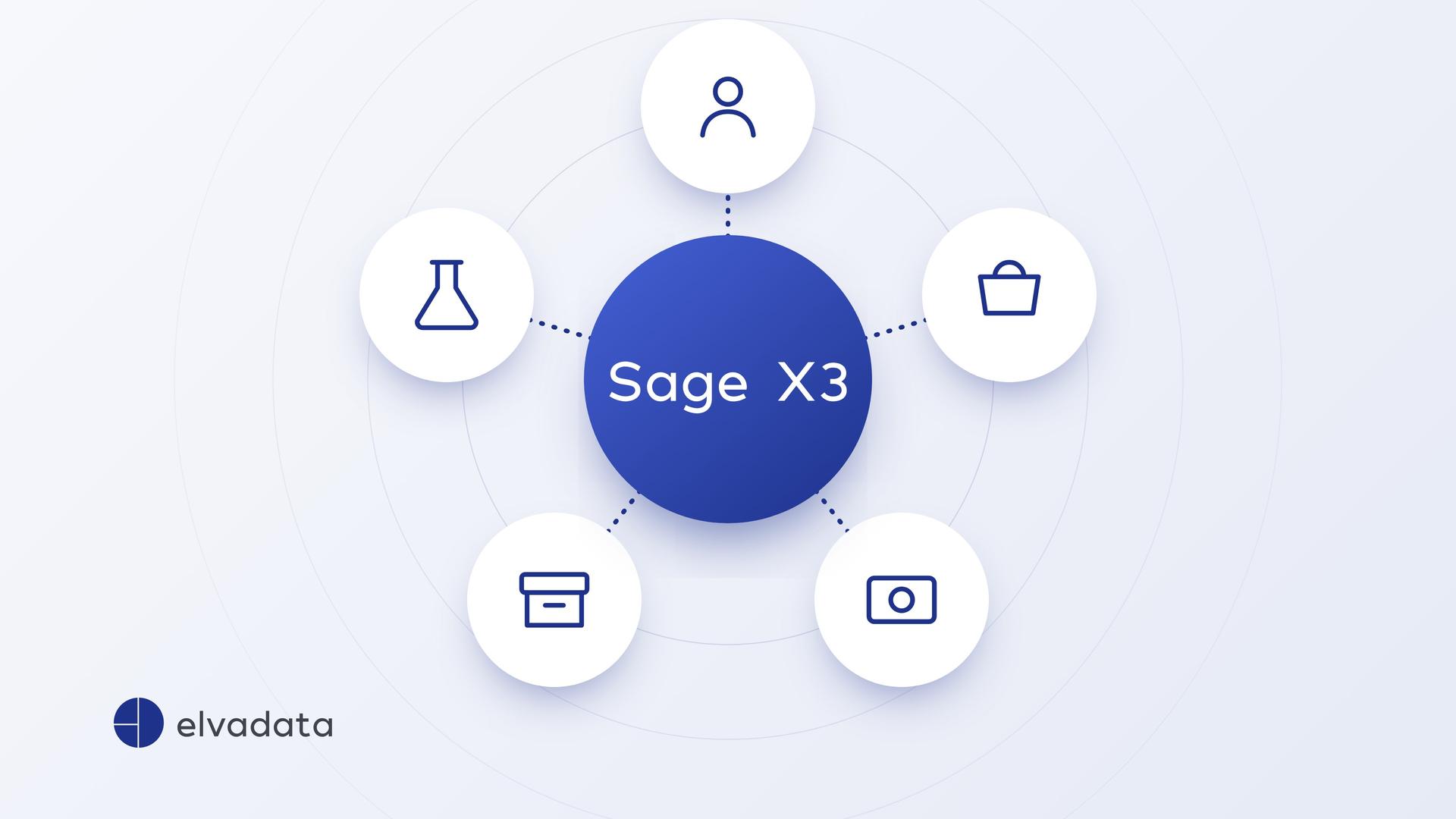
Which systems are typically connected to Sage X3?
- CRM: synchronise customers, orders and invoice status between Salesforce and ERP.
- Industry software: for example laboratory systems or field service software.
- Payroll: transfer personnel costs from the payroll software into financial accounting.
- Web shop and platforms: exchange orders, items and stock levels.
- Archive and documents: store records in a legally compliant way.
Which technical routes are there?
Import and export: Sage X3 includes templates for reading data in and out as files. This is sufficient for master data or synchronisations that do not have to happen immediately.
Web services: other systems read and write data directly via web services. This is how Suisselab connected its laboratory system to Sage X3 via a REST interface: analyses flow into the ERP as production orders and sales items with the associated customers.
Extensions in Sage X3: what the standard does not cover is added in the integrated development environment. At Nyffenegger Storenfabrik, the extensions thus remained release-compatible, and updates from Sage can still be installed.
In addition, elvadata uses an integration platform developed in-house, through which surrounding systems can be connected in a consistent way.
How do you plan an interface properly?
- Define the leading system: where are customers, items and prices created, and where are they only read?
- Process before technology: describe the workflow first, then map the fields. At Suisselab, the laboratory processes first had to be translated into the language of the ERP.
- Clarify the frequency: immediately, several times a day or once a night.
- Handle errors: who is informed if a record cannot be transferred?
- Prefer the standard: solve special requirements in the surrounding system rather than rebuilding the ERP.
What does this look like in practice?
At Swissgenetics, all movements between the industry software and Sage X3 are mapped in both directions, and payroll continues to run on Sage 200 via an interface. At Comfone, an archive system and other third-party solutions are connected. More on this in the success stories.